Schedule posts for later in Amethyst
- Give your phone a fighting chance
- How to actually do it
- About “9:00am sharp”
- What if my phone was off or offline?
- The whole thing in one breath
There’s no magic server in the cloud holding your post. Your phone publishes it. The scheduled note sits on your device until its moment arrives, and then your #amethyst, on your phone, wakes up and fires it off to the relays.
Give your phone a fighting chance
Because the publishing happens on your device, in the background, you want to make sure Android doesn’t quietly murder the app the moment you lock your screen (it really, really wants to):
-
Turn on “Always-on notifications.” This keeps a small background service alive so #amethyst can wake up on schedule and post even while the app is closed. Skip this and your post just waits, patiently, for you to open the app again. When you first schedule something without this on, the app gives you a friendly nudge and a shortcut straight to the right settings screen.
-
Allow the app to run in the background and exempt it from battery optimisation.
A phone standing guard so it can post for you sips a little more power than one that isn’t.
Also, the phone has to be on and online (Wi-Fi or data) when the moment comes. Dead battery, airplane mode, deep in a tunnel? No post, yet.
How to actually do it
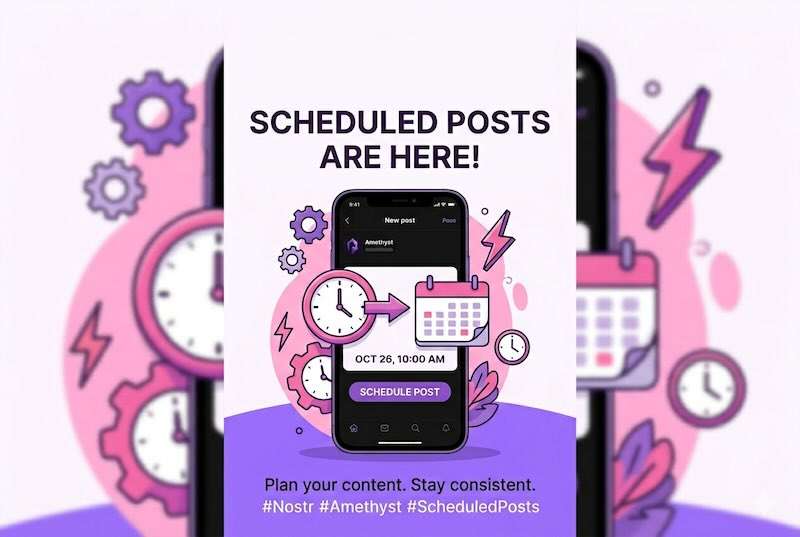
Compose a note like normal, but instead of hitting post, tap the schedule (timer) button in the composer’s bottom row. Pick a time. Handy presets like In one hour, Tomorrow morning, and Next Monday morning, or punch in your own date and time.
There’s also a Scheduled Posts screen in the navigation where your queued notes live.
About “9:00am sharp”
This is not to-the-second posting. #amethyst checks for due posts on a 15-minutecycle. So your note goes out at the next quarter-hour checkpoint after your chosen time.
Great for “tomorrow morning,” “this evening,” “next Monday.” Not the tool for a millisecond-perfect coordinated countdown.
What if my phone was off or offline?
Your post isn’t lost, it’s just fashionably late. The absolute worst case is this: **the next time you open #amethyst with a working internet connection, any overdue scheduled posts get published.
The whole thing in one breath
Your phone posts it (not a server), so keep it on and online at posting time; switch on always-on notifications and allow background activity for the best shot (costs a little battery); expect ~15-minute, not minute-perfect, timing; and if you miss the window, it goes out next time you open #amethyst online.
A genuine schedule-your-content tool, running entirely from the phone in your pocket, with no servers, no subscriptions, and no handing over your keys.


Write a comment